


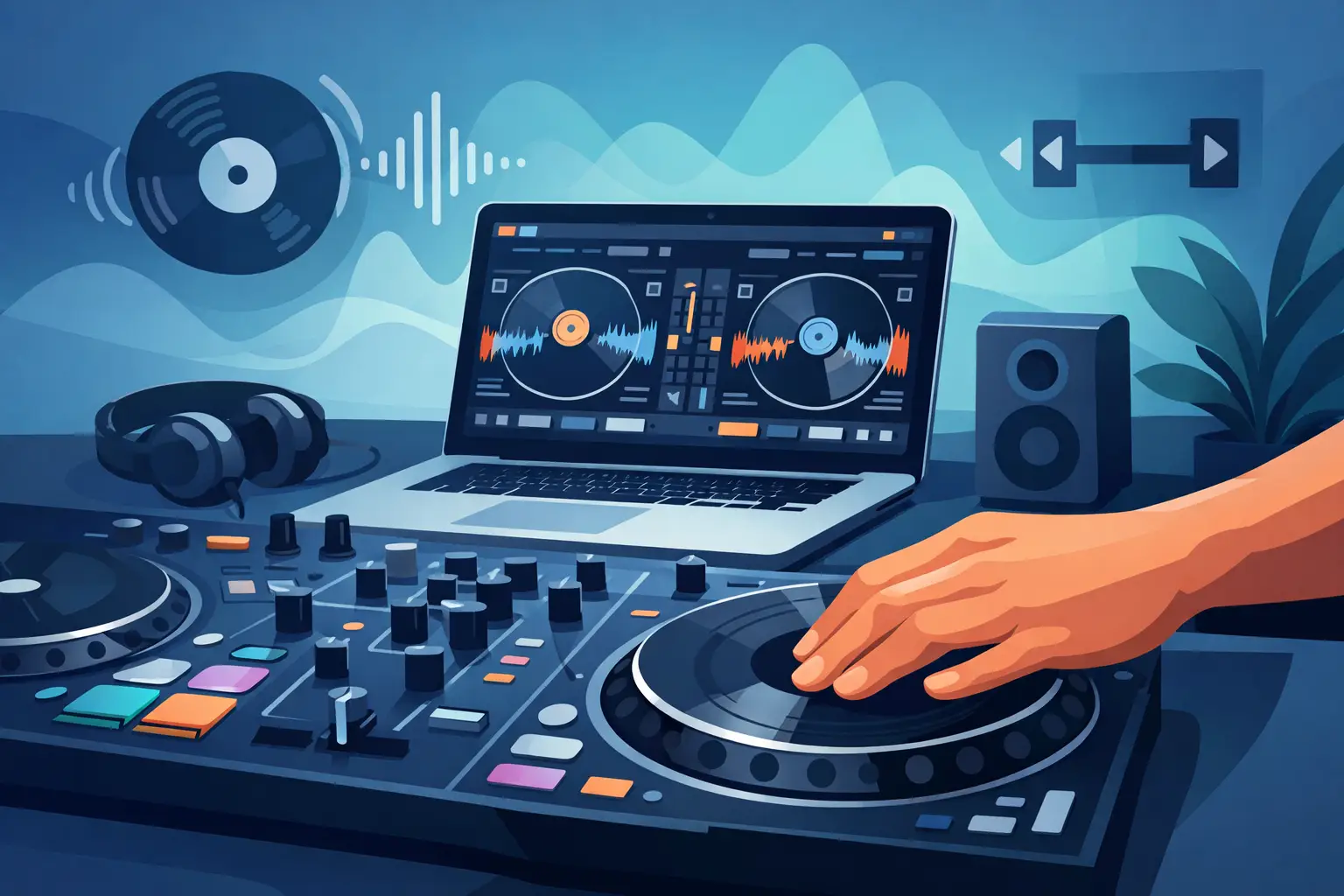
The first time you try a baby scratch with a mouse or trackpad, it usually sounds rough. That is not because scratching is out of reach. It is because learning how to scratch with dj software depends on getting three things right early - your setup, your hand timing, and your expectations.
Scratch technique is physical. Even when the audio is digital, your performance still comes down to touch, rhythm, and control. The good news is that modern DJ software has removed a lot of the old barriers. You no longer need a crate of battle vinyl and a full club booth to start practicing real turntablist skills. If you have solid software, a controller or DVS setup, and a few focused practice habits, you can start building clean scratches faster than most beginners expect.
How to scratch with DJ software and actually sound good
A lot of new DJs make the same mistake. They think scratching starts with speed. It does not. It starts with clean sound and repeatable movement.
Your software matters because it controls latency, platter response, cue handling, crossfader behavior, and overall feel. If the jog wheel feels delayed, or the crossfader curve is too soft, every scratch will feel harder than it should. That is why the best digital setups are not just about features. They are about response. When your gear reacts instantly, your hands learn faster.
If you are using a DJ controller, look for one with touch-sensitive jog wheels and adjustable crossfader settings. If you are using a DVS setup, stable timecode response is the priority. Either approach can work. Controllers are easier to start with and more affordable. DVS often feels more natural for DJs coming from vinyl. The trade-off is setup complexity and cost.
You also want the right sound source. Start with short, punchy samples - ahh, fresh, horn stabs, vocal hits, and snare sounds all work well. Long melodic phrases can be fun later, but they hide timing mistakes. A sharp sample tells you immediately whether your motion is clean or sloppy.
Build the right scratch setup first
Before you work on technique, make the software behave the way a scratch DJ needs it to.
Set a cue point right at the start of the sound you want to scratch. Tight cue placement matters more than people think. If the sample starts late, every motion feels disconnected. Turn on low-latency audio settings if your computer can handle them, and close anything else running in the background that could affect performance.
Then check the crossfader curve. For scratching, you generally want a sharp cut-in rather than a long gradual fade. A soft crossfader is fine for smooth blends, but it slows down scratch articulation. A sharper curve makes chirps, cuts, and transforms much easier to hear.
Jog wheel tension and platter feel also matter, depending on your hardware. Some DJs prefer lighter touch for quicker movements. Others want more resistance. There is no universal best setting. The right setup is the one that lets you move the sound confidently without overcorrecting.
If your software includes waveform zoom, use it. Seeing the front edge of a sample can help you understand where the sound begins. That visual feedback is useful at first, but do not become dependent on it. Real scratch timing has to live in your ears and hands.
Start with the baby scratch
If you want to learn how to scratch with dj software, the baby scratch is where everything begins. No crossfader tricks yet. Just move the sample forward and backward in time.
Load a short sample, hold the platter or jog wheel, and push the sound forward in rhythm. Then pull it back. The goal is not to make it flashy. The goal is to make both directions sound controlled. Forward should be deliberate. Backward should be equally smooth. No random acceleration, no panicked hand motion.
Practice in quarter notes with a metronome or a simple beat. Then move to eighth notes. Keep the movement short. Most beginners move too far and lose the center point of the sample. Small motions teach better control.
This stage feels basic, but it is where your touch develops. Every advanced scratch depends on your ability to move a sample with precision. If your baby scratch is weak, your chirps and flares will be weak too.
Add the crossfader when your timing is steady
Once the record hand feels stable, bring in the crossfader hand. This is where scratching starts sounding like performance instead of raw movement.
The first technique to try is the chirp. Push the sample forward with the fader open, then close it near the end of the push. On the pullback, open and close again so the backward sound becomes part of the rhythm. Done right, the chirp gives you a crisp, cutting phrase from a very simple hand pattern.
This is where software settings can make or break your progress. If the cut-in lag is too wide, chirps feel mushy. If the audio latency is high, your hands will fight the sound. A responsive platform gives you the confidence to practice techniques instead of troubleshooting them.
Do not rush into complex fader work. Faster scratches are usually just slower scratches done with less panic and better consistency. If a two-hand motion falls apart at 70 BPM, it will not magically become good at 100 BPM.
The techniques worth learning first
There are dozens of scratches, but you do not need all of them right away. A practical early path is baby scratch, chirp, transform, and a basic flare.
The transform scratch teaches fader timing. You move the sample in one direction and rapidly tap the fader to chop the sound into rhythmic pieces. It is excellent for building hand independence, though it can sound mechanical if overused.
A one-click flare introduces cleaner fader articulation with less arm movement. It is harder than a baby scratch but often more musical than beginners expect. The challenge is keeping the motion relaxed. Tension is the enemy of speed.
It depends on your goals, though. If you are a club DJ who wants to add quick flavor to transitions, baby scratches and chirps may be enough for a while. If you want battle-style expression, you will need deeper fader technique and much more repetition.
Practice like a performer, not a collector of tricks
A lot of DJs learn scratch names before they learn scratch timing. That slows everything down.
Give yourself one sound, one tempo, and one pattern for 10 to 15 minutes at a time. Record it. Listen back. If the forward stroke is louder than the pullback, fix that. If the fader clicks are late, slow down. Real improvement comes from noticing small inconsistencies and cleaning them up.
It also helps to practice inside actual mixes. Scratch over an intro. Cut a vocal into a drop. Add a short phrase before a transition. This teaches placement, which is what separates useful scratching from random noise. A scratch can energize a crowd, but it can also derail a groove if it is forced into the wrong moment.
That is one reason modern platforms have changed the game. With advanced cueing, stem control, and flexible performance mapping in software like VirtualDJ, DJs can practice scratching in setups that are both accessible and seriously capable. You can start simple and scale into far more creative routines without changing your whole workflow.
Common mistakes when learning how to scratch with DJ software
The biggest mistake is trying to sound advanced too early. Scratch performance is one of the clearest examples of slow practice producing fast results.
Another common problem is overprocessing. Heavy effects, bad gain staging, or muddy samples make it harder to hear whether your cuts are clean. Keep the signal simple while you learn. Dry audio tells the truth.
Some DJs also blame the software for technique issues that are really practice issues. That said, software and hardware are not irrelevant. Poor latency, weak jog response, and badly configured fader curves absolutely hold people back. The fix is to be honest about both sides - tighten the setup, then tighten the skill.
Finally, do not ignore posture and hand fatigue. If your shoulders are tense and your wrists are stiff, your scratches will sound stiff too. Short sessions with full focus beat long sessions where everything turns sloppy.
Where software gives you an edge
Digital scratching is not just vinyl scratching on a screen. It has its own advantages.
Cue points let you reset instantly. Loop control helps isolate practice sections. Adjustable crossfader curves let you tailor the cut to your style. Stem separation opens creative possibilities that traditional setups simply did not offer, like scratching isolated vocals or instrument parts without preparing custom edits first.
That does not mean software does the work for you. It means the ceiling is higher and the entry point is lower. You get more room to experiment, fail, adjust, and improve without burning time on technical limitations.
If you stay patient, your hands eventually stop thinking about every movement. That is the turning point. Scratching starts to feel less like an exercise and more like language. Keep your setup responsive, keep your practice focused, and let clean technique become your signature before speed ever tries to impress anyone.