


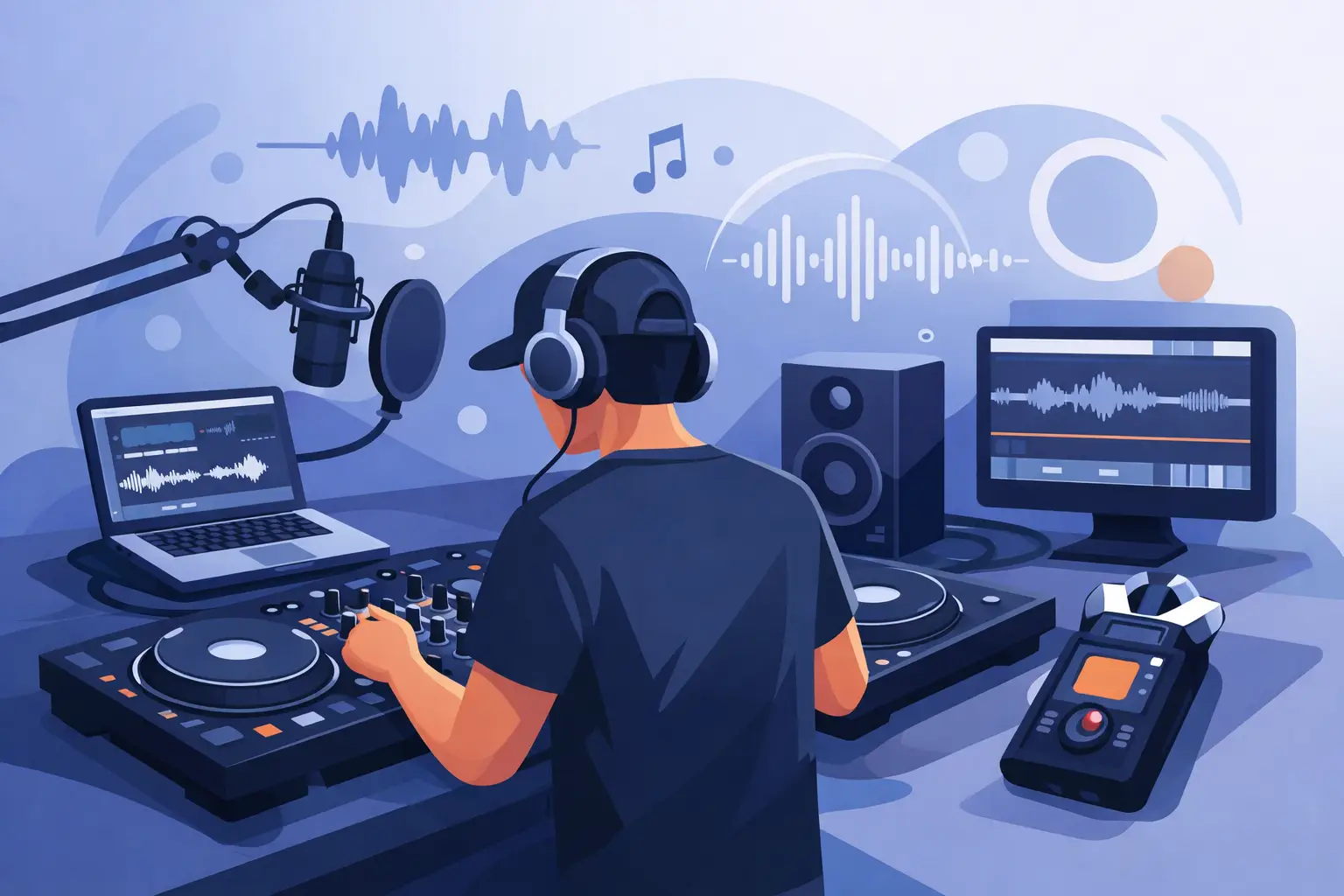
The fastest way to ruin a great set is to record it badly. You nail the energy, the track order works, the transitions feel right - then you listen back and hear clipping, uneven volume, or a mix that sounds flat compared to what you heard in the room. If you're learning how to record a dj mix, the goal is not just to capture audio. The goal is to capture your performance in a way that sounds confident, clean, and worth replaying.
That starts before you hit Record. A strong recorded mix is part technical setup, part performance discipline. Beginners usually focus on one and ignore the other. Pros know both matter.
How to record a DJ mix without wrecking the sound
The first decision is where the audio is being captured. If you're mixing inside DJ software, recording internally is usually the cleanest option. You avoid extra conversions, background noise, and the level mismatch that can happen when you route audio out of a mixer and back into another device. Internal recording also gives you a more controlled result because the software captures the master signal directly.
If you're using an external mixer or a club setup, the process depends on your gear. In that case, you may need to record from the mixer's record out, booth out, or audio interface. This can sound excellent, but only if the gain structure is right from end to end. One overloaded stage in the chain can spoil the whole file.
The smartest move is to keep your setup simple unless you have a reason not to. A direct digital recording path is faster, cleaner, and easier to repeat.
Set your levels for headroom, not ego
One of the most common mistakes in DJ recording is pushing the master too hard. Louder is not better when you're recording. If your peaks are slamming into the red, the mix may sound exciting in the moment, but the recording will punish you later.
Aim for healthy levels with headroom. Your loudest moments should stay clear of clipping. That gives the mix space to breathe and keeps your transitions from turning harsh when two busy tracks overlap. Modern tracks are already mastered loud, so you do not need to force extra volume at the recording stage.
Track gain matters just as much as the master. If one song is much hotter than the next, your recording will sound uneven even if your transitions are technically solid. Normalize in your ears, not just with your eyes. Use meters as a guide, then trust what the blend actually sounds like.
Choose a recording format that fits the job
If you're recording a practice session, a compressed format can be fine. If you're recording a mix you might post, edit, or archive, record at higher quality first. A WAV file gives you more room if you need to trim the start, adjust the end, or make small finishing edits later.
MP3 saves space and is easier to share, but it is a delivery format, not the best source format. Record high quality first, then export a smaller version if needed. Storage is cheap. Redoing a great mix because the only copy sounds thin is not.
Build a workflow that helps you perform better
A lot of DJs think recording starts when the first track drops. It starts with preparation. If your library is messy, your cue points are inconsistent, or your tracks have wildly different perceived loudness, your recording session becomes harder than it needs to be.
Before you record, check your set flow. You do not need every transition scripted, but you should know the direction. Are you building gradually, going peak-time early, or recording a genre-focused mix with a steady groove? A mix with intent always sounds stronger than one that feels random.
Cue points help more than people admit. They let you enter tracks with precision and keep your timing tight under pressure. That matters even more when you're recording, because every hesitation becomes permanent. If your software gives you tools for waveform detail, hot cues, looping, and stem control, use them with purpose. The point is not to look busy. The point is to make cleaner decisions in real time.
This is where advanced DJ software earns its keep. Features like precise waveform feedback, easy loop control, and stem separation can turn a good mix into a more original one, especially when you want to reshape intros, isolate vocals, or smooth out difficult transitions. Used well, those tools do not replace skill. They amplify it.
Record a test before the real take
Never trust a setup you have not checked. Record thirty seconds. Then record two minutes with a transition. Listen back on headphones and speakers if possible. You are checking for distortion, balance, channel issues, and whether your recording source is actually capturing what you expect.
This tiny step saves hours. It also settles your nerves. Once you know the signal path is solid, you can focus on performance instead of second-guessing the tech.
Performance choices that make your mix replayable
A recorded mix gets heard differently than a live set. In a room, people forgive more because the energy carries weak moments. In a recording, every blend is under a microscope. That does not mean your mix should be sterile. It means your decisions should be deliberate.
Transitions matter more than tricks. A clean phrase match and a controlled EQ swap will usually age better than a flashy move that throws off the groove. If you want to cut hard, do it because the moment calls for it. If you want a long blend, make sure both tracks are contributing something useful.
Watch your low end. Bass clashes are one of the biggest reasons home-recorded DJ mixes sound muddy. Two kick drums fighting for space can make an otherwise good transition collapse. Bring in the incoming track with intention. Manage the EQ. Let the energy rise without turning the mix into a blur.
Effects are another place where restraint wins. Big sweeps, echoes, and filters can sound exciting while you're performing, but in a recording they can quickly feel repetitive. Use them to shape moments, not to cover weak transitions.
If you make a mistake, decide fast
Small mistakes happen. A cue is a beat late, a loop hangs for half a bar, or an EQ move lands rough. The key is recovery. Most listeners will forgive a minor slip if the mix keeps moving. What hurts more is panic - dropping the energy, fumbling the next entry, or stopping a take that was otherwise working.
That said, it depends on the purpose of the mix. If you're recording a promo mix, you may want to restart after a major error. If you're recording practice or a live-style set, leaving a small imperfection can be better than chasing a robotic result. Great mixes sound human. They just sound controlled.
How to record a DJ mix for sharing or posting
Once the mix is done, do not rush the export. Listen back before you send it anywhere. Check the opening seconds, a few transitions in the middle, and the ending. Make sure there is no accidental silence, overload, or abrupt cutoff.
If you need to trim dead air at the start or end, keep it subtle. The mix should begin with intent and end cleanly. You can do light finishing work, but avoid heavy processing that changes the character of the set. If the recording needs rescue-level repair, the issue was probably earlier in the chain.
Name the file clearly. Add the date, style, or mix number so you can find it later. Archive the high-quality version even if you only plan to share a smaller file now. Serious DJs build a catalog, not a pile of random exports.
If you're recording regularly, consistency becomes a competitive advantage. A listener may not know why one DJ sounds more credible than another, but they hear it. Even levels, clean transitions, strong pacing, and polished exports signal control. That is what makes a mix feel professional.
For DJs who want one platform that scales from first recordings to advanced performance workflows, software matters. VirtualDJ stands out because it makes the basics easy while giving serious DJs the tools to push further - from tight recording workflows to creative stem-based mixing and deep hardware support.
The best recorded mixes do not sound overworked. They sound like a DJ fully in command of the moment, with the technical side handled before the first track even starts. Get the signal path clean, leave headroom, make sharper transition choices, and record often enough that the process becomes second nature. Your next mix should not just document your set. It should prove you know how to move a room, even when nobody is in it yet.