


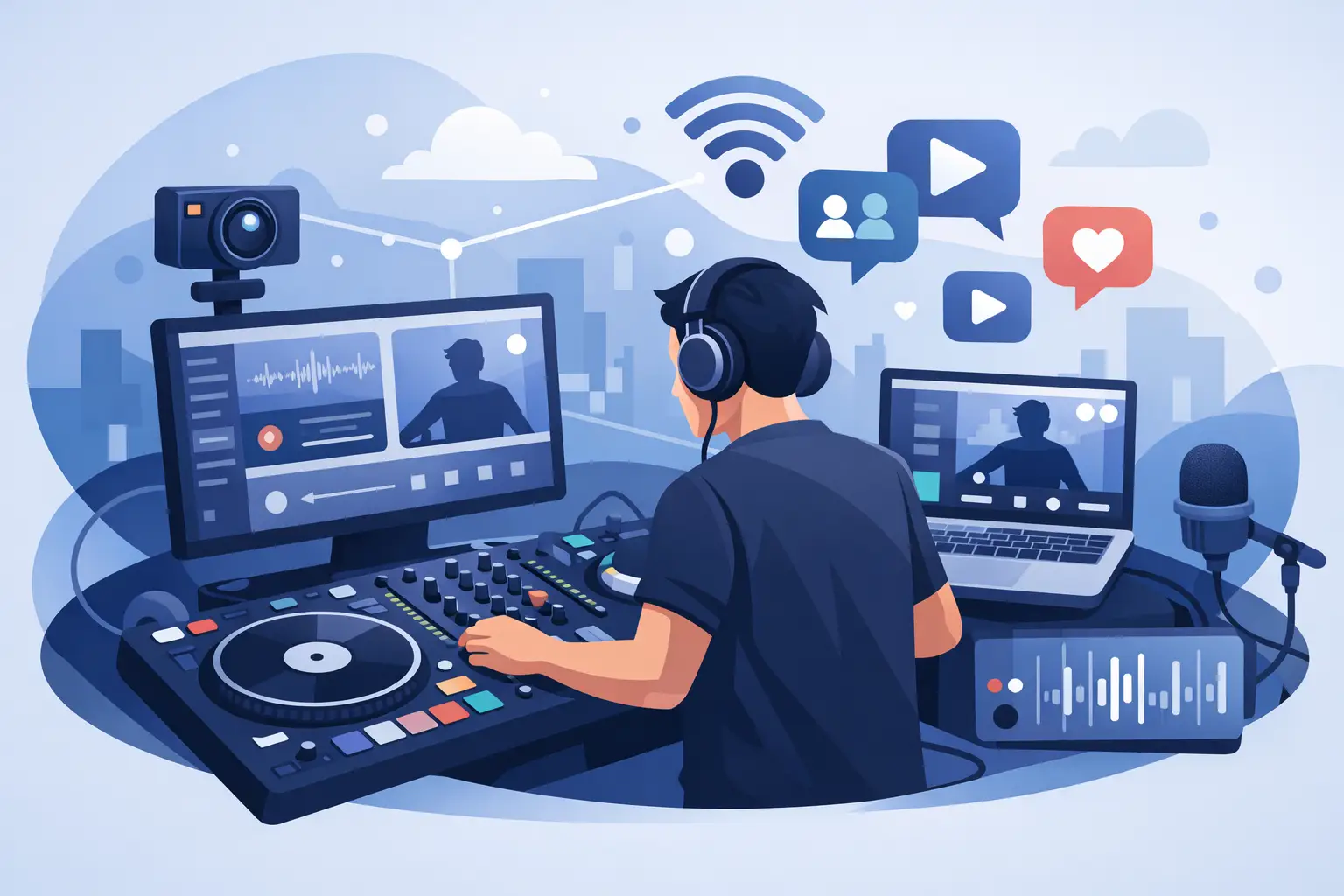
A livestream can fall apart in seconds: a track buffers, your microphone runs too hot, a transition lands late, or viewers hear the room instead of the music. Great DJ software for live streaming is not just a pair of virtual decks. It is the command center that lets you mix with confidence while your audience hears and sees a show worth staying for.
Whether you are playing a weekly Twitch set, broadcasting a mobile event, running karaoke on social platforms, or building an audience from your home studio, the goal is the same: deliver a performance that feels live, polished, and unmistakably yours.
What DJ Software for Live Streaming Must Do
A standard DJ setup gets music from your library to your speakers. A streaming setup has another job: it must deliver the right audio and video signal to broadcast software without compromising the way you mix. That is where workflow matters more than a long feature list.
Start with reliable deck control. You need responsive jog wheels or on-screen decks, tight beat grids, accurate cue points, loops, and effects that react immediately. If the controls feel delayed or the waveforms are difficult to read, you will spend your set managing software instead of reading the room - even when that room is a chat window.
Next comes routing. Your master mix, microphone, sampler, and any external audio source need to arrive at your streaming platform cleanly. A professional workflow gives you control over what your audience hears versus what you hear in headphones. That distinction is essential when you are cueing the next song, checking levels, or talking to a guest off-air.
Then there is video. For some DJs, a camera shot and a clean audio feed are enough. For video DJs and event entertainers, music videos, visualizers, camera overlays, lyric screens, and branded graphics turn the stream into a complete production. The right software should support the show you want to create now while leaving room to grow.
Build a Streaming Workflow That Does Not Fight You
The strongest live streams are built before the first viewer arrives. Your DJ software should fit naturally into a signal path that is easy to test and easy to repeat.
Separate your performance mix from your monitoring
Your audience should hear the master output, not your headphone cue channel. Configure separate outputs for master and headphones when your audio interface or controller supports them. Before going live, record a short test mix and listen back on headphones, phone speakers, and a typical Bluetooth speaker. If your kick disappears or your mic buries the music, fix it before the broadcast.
Microphone processing deserves the same attention as your track selection. Set conservative gain, use a limiter if available, and leave enough headroom for energetic moments. A loud stream is not automatically a better stream. Clean, controlled sound holds up better across phones, laptops, and smart TVs.
Choose a stable way to send audio to your broadcast app
Many creators use broadcasting software to send their show to streaming platforms. Your DJ application needs a dependable way to feed that app, whether through an audio interface, a virtual audio device, or a supported internal broadcast output. The best option depends on your computer, controller, and whether you need to include a microphone or external instruments.
Avoid building a fragile chain of adapters and duplicate audio drivers just because it worked once. Every extra handoff is another place for latency, feedback, or silence to appear. Keep the route simple, label your inputs clearly, and save your configuration after testing it.
Protect performance from computer overload
Streaming asks a lot from a computer. DJ playback, real-time effects, stem processing, camera feeds, video rendering, and encoding can all compete for processing power. A feature may look impressive in a short test but create dropped frames after an hour of continuous use.
Close background applications, use a wired internet connection whenever possible, and keep your music on a fast, reliable drive. If your show includes high-resolution video, test at your intended output settings rather than assuming your laptop can handle it. Performance reliability is a creative advantage: when your setup stays solid, you can take bigger risks in the mix.
Features That Make a Stream Feel Like a Show
Not every stream needs every feature. The best choice depends on your format, but several capabilities can make the difference between playing songs online and delivering a real performance.
Real-time stem separation is especially powerful for live remixing. Pull an acapella over a new instrumental, cut vocals for a quick transition, isolate drums to build tension, or create a custom intro without preparing a studio edit. Used with taste, stems give your audience moments they cannot get from a standard playlist.
Sampler pads and custom sound banks add personality. Drop your DJ tag, trigger transition effects, launch a short video bumper, or fire a familiar sound that your regular viewers recognize. The key is restraint. A sample should sharpen the moment, not interrupt the groove.
For visual performers, video mixing brings another level of engagement. Match clips to tracks, layer camera feeds, add logos or event graphics, and switch visuals with the same timing you use for audio. Karaoke hosts can also benefit from lyric support and organized singer queues, turning a basic stream into an interactive entertainment service.
VirtualDJ brings these tools into one performance environment, combining audio mixing, video mixing, karaoke, stems, live remixing, and broad controller support. That flexibility matters when one week you are streaming a house set from home and the next you are hosting a corporate event with microphones, requests, and video screens.
Hardware Compatibility Is Not a Minor Detail
Your controller should make you faster, not force you to learn workarounds. DJs who stream from home may prefer a compact controller with dedicated pads and microphone inputs. Mobile DJs may need multiple mic channels, external inputs, and dependable library access. Scratch DJs need low-latency response and support for DVS workflows.
Broad hardware compatibility gives you freedom to choose gear based on your style and budget rather than being locked into a narrow equipment list. It also protects your investment when your setup evolves. You may start with a two-channel controller, then add a larger mixer, external displays, lighting control, or timecode vinyl later.
Before committing, verify how your intended controller handles headphone cueing, microphone audio, booth output, and mapping. An attractive controller is not automatically the right streaming controller. The details shape every set.
Content Management Keeps You Present on Camera
Nothing drains energy from a live broadcast like hunting through folders while viewers wait. A well-organized music library lets you search by artist, title, key, BPM, genre, and custom tags in seconds. Analyze tracks ahead of time, set cue points for your strongest entry moments, and prepare smart playlists for different parts of the show.
Build a few safety crates: reliable openers, transition tracks, requests you can play without wrecking the flow, and high-energy closers. These are not limits on creativity. They are the tools that let you recover quickly when chat throws you a curveball or a planned track does not land.
If you take requests, establish a system. Ask viewers to use a consistent format, keep an eye on genre fit, and do not promise every request will make the set. Your stream needs direction. Viewers return because they trust your taste, not because you surrender the decks to the comment section.
Test Like a Pro Before You Go Public
Run a private or unlisted test stream at full length whenever you change your setup. Check audio sync, camera sync, mic intelligibility, track levels, CPU usage, internet stability, and what happens when you use your most demanding effects. Then watch the recording from another device.
Also prepare for failure. Keep a backup playlist ready, know how to restart your broadcast audio, and have a simple scene or holding screen available if you need thirty seconds to recover. Viewers are forgiving when you stay composed. They are less forgiving when dead air drags on.
Your next stream does not need more complexity. It needs a setup you can trust deeply enough to stop thinking about it. Choose tools that keep your hands on the mix, your sound under control, and your creative ideas close enough to use the moment they arrive.