


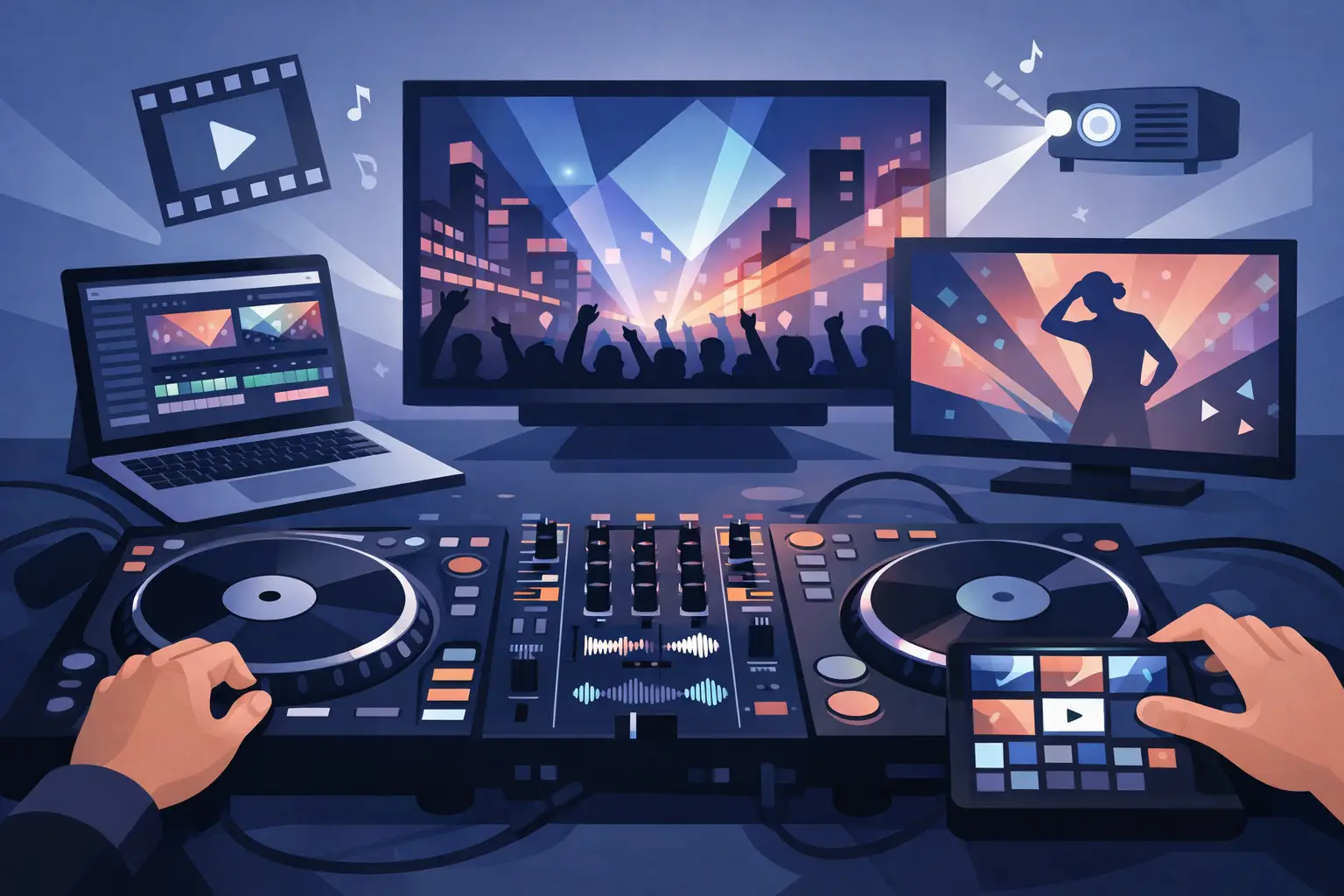
The crowd stops treating visuals like background decoration the second they actually match the energy of the mix. A clean video transition, a perfectly timed text overlay, or a live visual mashup can turn a decent set into the moment people record on their phones. That is why the best video dj tools are not just extra features. They are performance tools, and they can change how your set feels in the room.
If you are building a serious video workflow, the real question is not which app has the longest feature list. It is which tools help you mix faster, stay stable under pressure, and give you more creative control without slowing you down. For some DJs, that means tight video deck integration. For others, it means karaoke support, external screen routing, real-time effects, or broad controller compatibility. The best setup depends on where you play and how you perform.
What separates the best video DJ tools from the rest
A lot of software can play a music video. That alone does not make it useful on stage. The best video dj tools are built for live decision-making. You need instant response, dependable playback, flexible outputs, and controls that feel natural when your attention is split between the booth, the crowd, and the screen.
Video DJs also need more than one kind of flexibility. Club DJs may want high-impact visual mixing with music videos and camera feeds. Mobile DJs often need text overlays, logo placement, and support for weddings, corporate events, and school dances. Karaoke hosts need singer rotation, lyric display, and content organization. If your platform only handles one of those jobs well, it is not really future-proof.
The strongest tools usually share a few traits. They support multiple video formats, make it easy to route visuals to the right displays, offer effects that are usable live instead of buried in menus, and give you room to grow. A beginner can start with basic video transitions. A pro can build custom workflows around controllers, stems, samples, and live remixing.
The core categories of best video DJ tools
When DJs search for the best video dj tools, they are often lumping several different needs into one phrase. It helps to break the stack into categories.
First is performance software. This is the center of the setup, where you mix audio and video together, trigger effects, manage decks, and control outputs. If this layer is weak, everything else feels clunky. Second is content management. Video sets become messy fast if your library is disorganized, poorly tagged, or difficult to search under pressure. Third is hardware integration. A powerful feature means less if you cannot map it to the controller or mixer you already trust.
Then there is visual enhancement. This includes transitions, overlays, shaders, text, logos, camera inputs, and sometimes generated visuals. Finally, there is workflow support. That covers pre-gig prep, screen routing, remote control, recording, and streaming. DJs often overspend on flashy extras while ignoring the tools that save them during a live event.
Why all-in-one platforms usually win
There is a reason experienced video DJs tend to prefer fewer moving parts. Every extra app in your setup creates another possible failure point. If your video playback lives in one platform, your effects in another, your overlays in a third, and your streaming controls somewhere else, your set becomes harder to manage and easier to break.
An all-in-one platform gives you a real advantage when the pressure is on. You can browse, mix, apply effects, handle external displays, and manage performance features from the same environment. That matters in clubs, but it matters even more at paid events where the client does not care how complex your setup is. They care that the visuals look great and the night runs smoothly.
This is where a mature DJ platform stands out. Software like VirtualDJ has earned its place because it treats video as a true performance layer, not a side feature. That means video mixing, karaoke support, real-time effects, broad hardware support, and advanced customization all work inside a workflow DJs can actually use live.
The tools that matter most in real performance
Video mixing sits at the top of the list. If your crossfader behavior, transitions, and deck controls do not translate naturally to video, you end up performing in two disconnected worlds. The best systems keep audio and visuals locked together, so your mix feels intentional instead of patched together.
Real-time effects matter just as much, but this is where hype can get ahead of utility. A huge effects catalog sounds great until you realize half of it is unusable in a live room. The effects that actually earn their place are the ones that are fast to trigger, easy to see, and musical in how they support the energy of a transition. Simple, punchy, reliable always beats complicated and risky during a live set.
Text and overlay tools are underrated until you start doing private events. Being able to add names, announcements, branding, or event-specific messaging directly into your visual output can separate a working DJ from someone who only knows club workflows. The same goes for logo support and screen customization. Those details can win repeat business.
Karaoke support is another major dividing line. Many DJs move between traditional sets and karaoke gigs, or they add karaoke as an upsell. If your software handles both without forcing a separate ecosystem, that is a serious advantage. It saves prep time, reduces technical headaches, and gives you more ways to monetize the same rig.
How to choose the best video DJ tools for your style
Start with the rooms you actually play, not the fantasy version of your career. If you are mostly doing bars, school dances, weddings, and private events, stability and versatility should outrank experimental visuals. You need clean playback, strong library management, easy screen routing, and flexible text tools. If you are focused on clubs or livestream performance, you may care more about visual impact, effect control, and integration with remix-heavy workflows.
Your hardware matters too. Some DJs want tight support for a specific controller. Others want the freedom to switch gear without rebuilding their whole setup. Broad compatibility is not the most glamorous feature, but it has real value. It protects your investment and gives you options as your gigs evolve.
Then there is the learning curve. Some tools look powerful until you try to use them under real conditions. The best video DJ software should let a newer DJ get started quickly while still giving advanced users deep control. That balance is harder to find than it sounds. Too simple, and you hit the ceiling fast. Too technical, and your creativity gets buried under setup time.
Common mistakes DJs make with video tools
One of the biggest mistakes is chasing visual complexity before mastering clean execution. A sharp, well-timed video mix with reliable output beats an overloaded show every time. Audiences respond to confidence and flow more than feature count.
Another mistake is ignoring file organization. Video libraries get heavy, and bad naming or inconsistent tagging will punish you at the worst possible moment. Search speed matters. Playlist structure matters. Previewing content quickly matters. A polished video performance starts long before you step into the booth.
DJs also underestimate system load. Video mixing puts more demand on your computer than audio alone, especially if you add effects, external outputs, recording, or streaming. The best video dj tools should be efficient, but your setup still needs to be realistic. Sometimes the smarter move is using fewer active elements so the whole performance stays rock solid.
Finally, some DJs choose software based on what looks impressive in a demo instead of what feels fast in a gig. That is the wrong test. Live performance rewards tools that disappear into your hands. You should not have to think twice about how to trigger a visual effect or send the right output to the right screen.
The best setup is the one that grows with you
Good video DJ tools help you put on a better show tonight. Great ones keep paying off as your skills, gear, and gigs expand. Maybe you start with music videos at house parties. Then you add controller mapping, branded overlays, karaoke hosting, live streaming, or custom performance effects. A platform that scales with you saves money, time, and frustration.
That is the real benchmark. The best video DJ tools are not just packed with features. They help you mix better, react faster, and deliver a more memorable performance without adding chaos behind the scenes. When the software supports the way you actually perform, the visuals stop feeling like an add-on. They become part of your identity as a DJ.
Choose tools that make you more dangerous in the booth, not just more impressed during setup. The crowd will notice the difference.