


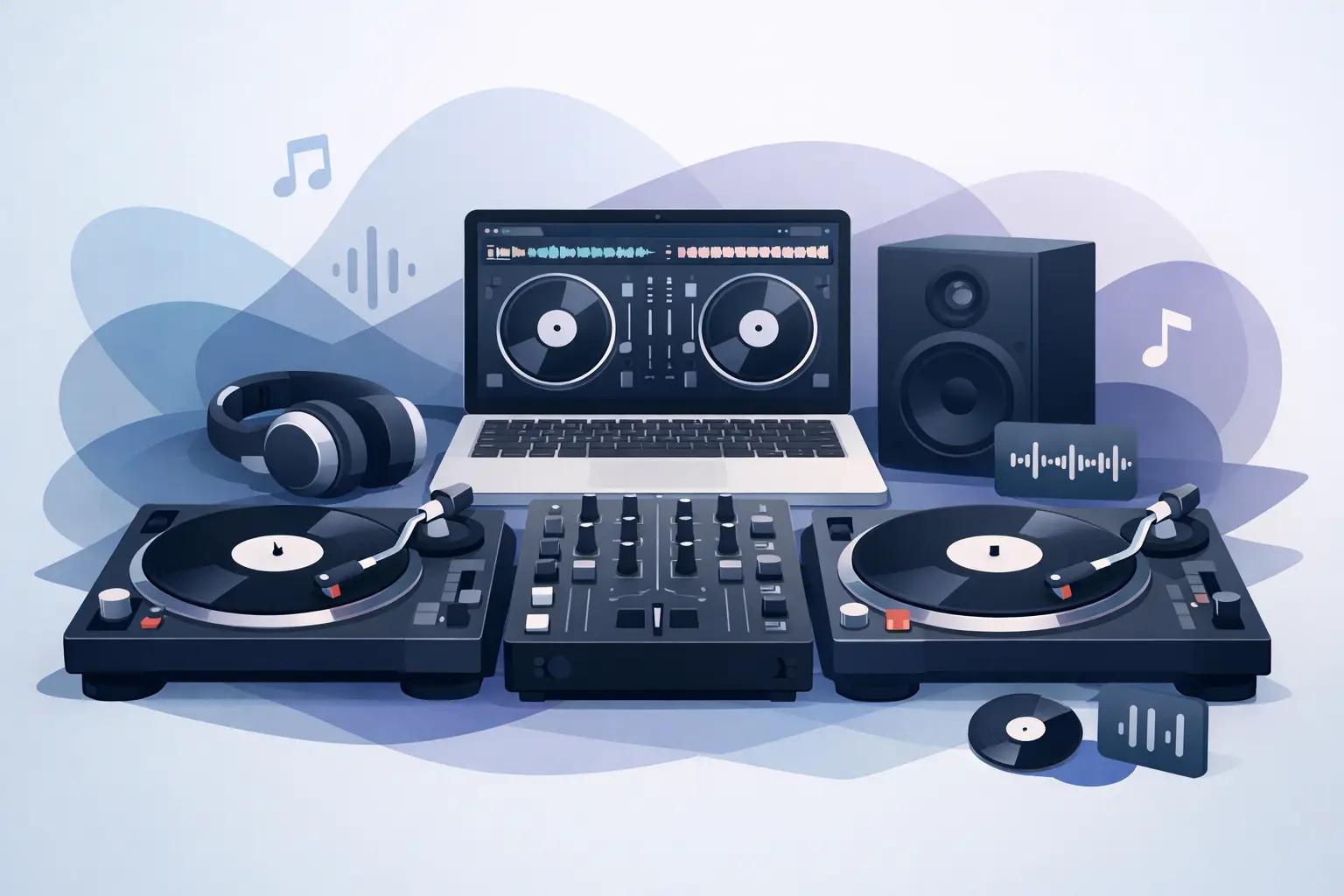
Two turntables can still do serious damage on a dancefloor. The difference now is that the right dj software for turntable setup does more than replace a crate of records. It changes how fast you can prep, how hard you can push your routines, and how much creative range you have once the room is full.
If you spin on turntables, software should never get in the way of feel. That is the whole test. You want tight response, dependable DVS tracking, clean audio routing, and a workflow that makes sense when you are under pressure. Anything less turns a classic setup into a troubleshooting session.
What dj software for turntable setup needs to do
At the most basic level, turntable DJs need software that can read timecode accurately, respond with low latency, and stay stable over long sets. That sounds obvious, but this is where the gap opens up between software that looks good on a feature page and software that actually performs when you are cutting, beat juggling, or riding transitions live.
Good DVS performance is non-negotiable. If the tracking drifts, if the platter response feels loose, or if cueing becomes unpredictable, your hands immediately know. Turntables are brutally honest. A controller can hide bad software behavior better than vinyl control ever will.
Library management matters just as much. A turntable setup often gets framed as pure hands-on performance, but live sets are won before the needle drops. Fast search, reliable tags, smart playlists, and strong browser organization save you from dead air and rushed choices. If your software helps you find the right intro, acapella, or backup track in seconds, your set gets better.
Then there is the creative ceiling. Today, the strongest platforms let a turntable rig do far more than traditional DVS playback. Real-time stem separation, sampler control, effects, live mashups, video support, and custom mappings turn a pair of decks into a full performance system. That does not mean every DJ needs every feature. It means your software should not box you in once your skills grow.
Why the best dj software for turntable setup is not one-size-fits-all
A battle DJ, a club DJ, and a mobile DJ can all run the same hardware foundation and still need very different software behavior.
If you scratch, response comes first. You will care about tight vinyl feel, cue precision, waveform clarity, and how quickly the system reacts during aggressive movements. Fancy extras are nice, but they are secondary if the core feel is off.
If you play clubs, your priorities may shift toward preparation, flexible library access, effects, and the ability to move between open-format sets and more technical mixing without changing your whole workflow. You may also need stronger compatibility with mixers, audio interfaces, and booth-specific setups.
If you do private events or hybrid gigs, software flexibility becomes even more valuable. You might need to move from dance music into requests, karaoke, video, or microphone-heavy hosting. In that world, dj software for turntable setup should not just track vinyl well. It should support the full job.
That is why the smartest choice is not always the most stripped-down option, and it is not always the most complex one either. It depends on what kind of DJ you are trying to become over the next year, not just what you need tonight.
The features that actually make a difference
Low latency gets talked about a lot because it deserves to. With turntables, every tiny delay shows up in your hands. A solid setup should feel immediate, especially for scratching and fast cue work. This depends on software optimization, your audio drivers, and your computer, but the software still carries a huge part of that load.
Timecode accuracy is the next major factor. Strong DVS software keeps playback locked, tracks movement consistently, and handles both subtle nudges and sharp directional changes without weird behavior. That translates directly into confidence. When the software feels predictable, you stop thinking about it and start performing.
Audio routing can be overlooked until it becomes a problem. DJs using turntables often work with external mixers, phono inputs, USB mixers, or dedicated audio interfaces. The software should make those connections clear and manageable, not buried in confusing menus. Simple setup saves time. More importantly, it reduces mistakes before a set.
Stems are now a real performance tool, not a gimmick. Being able to isolate vocals, drums, bass, or melodies live opens up creative options that used to require advance edits. For turntable DJs, that means you can keep the tactile control of vinyl while adding remix moves that feel current and crowd-ready. The future of DJing is not about replacing turntables. It is about giving them more range.
Customization also matters. Some DJs want the screen minimal. Others want deep control over hot cues, pads, effects, and sampler behavior tied to external gear. The best software adapts to your workflow instead of forcing you into someone else’s.
Hardware support is where software proves itself
A turntable setup is never just software. It is software plus your decks, your mixer, your interface, your computer, and sometimes extra controllers. Broad hardware support is not a bonus feature. It is the difference between plugging in and getting to work or wasting an afternoon chasing compatibility issues.
This is where established platforms have a major advantage. Software with deep hardware integration across mixers, DVS systems, and performance accessories gives DJs more freedom to build the rig they actually want. That matters if you are upgrading in stages, mixing old-school gear with modern tools, or walking into different venues with different hardware expectations.
Strong support also protects your investment. Maybe you start with a basic home setup and later move into club gigs, livestreams, or video mixing. If your software scales with that path, you do not need to rebuild your workflow every time your ambitions get bigger.
VirtualDJ stands out here because it combines broad accessibility with serious pro-level depth. It is easy enough to get running quickly, but powerful enough to support DVS turntable control, advanced customization, real-time stems, and a wide range of hardware without feeling like you have hit a ceiling.
What beginners should look for first
If you are new to digital vinyl, resist the urge to chase every feature at once. Start with stability, setup clarity, and library control. You need software that helps you understand signal flow, calibrate your system correctly, and mix without second-guessing every setting.
A clean interface helps. So does straightforward configuration for inputs, outputs, and deck assignment. When you are learning, confidence comes from repeatable results. You want to know that if something sounds wrong, you can find the issue quickly.
It also helps to choose software that leaves room to grow. Maybe today you just want to mix tracks from your laptop on a pair of turntables. A few months from now, you may want to scratch more seriously, trigger samples, separate stems, or add video. Starting on a platform that can grow with you is usually smarter than outgrowing a limited one and switching later.
What experienced DJs should not compromise on
If you already know your way around a turntable rig, the bar should be higher. You are not just buying playback. You are choosing the engine behind your performance.
Do not compromise on feel. Do not compromise on reliability. And do not assume that a familiar name automatically means the best current workflow. DJ software has changed fast. Features that once felt experimental are now practical advantages during real sets.
That is especially true for open-format DJs and performers who want more than straight two-deck mixing. Stems, live edits, sampler integration, and flexible media support can separate a good set from a set people remember. When the software gives you faster access to ideas, your performance gets sharper.
The trade-off is that more power can mean more setup decisions. Advanced software rewards DJs who want control, but it can ask for more initial configuration. For most serious users, that is a fair trade. You spend a little time dialing it in so the system works exactly the way you play.
Choosing software that fits your setup now and next
The best dj software for turntable setup is the one that makes your decks feel alive, not dated. It should respect the precision of vinyl control while giving you modern tools that actually improve your set. That means stable DVS, low-latency response, smart library management, and room to expand into stems, samples, video, or whatever pushes your style forward.
Some DJs need pure battle-ready response. Others need all-night flexibility across genres and event formats. Most need a bit of both. The smart move is to choose software that handles the fundamentals flawlessly and still gives you more when you are ready for it.
Turntables have never been the limitation. The wrong software is. Pick the platform that keeps up with your hands, your ideas, and the kind of DJ you plan to be next.